

Answer

Apr 02, 2022 - 05:52 PM
Every business owner understands that eCommerce is the lifeblood of a high-performing business, but it might surprise you to learn that 42% of shoppers will not buy from an e-commerce site that isn’t in a language they understand. And obviously, this would affect the site’s sales, SEO, and conversion rates.
Let’s face it, the average American with no prior knowledge of Mandarin Chinese cannot engage with a Chinese store the same way they’d engage with an American one. Translation has been a stumbling block for many store owners, but luckily, today, we have access to some of the best translation plugins.
And speaking of plugins, WooCommerce makes it a whole lot easier to integrate these software plugins to your online store, so customers from all parts of the world can actively engage with your brand.
But with the dozens of translation software on WooCommerce, how can you tell which one is the best for you?
Well, let’s take a look at some of the best ones out there so you can get a basic idea of what the ideal translation plugin must possess.
Three Best WooCommerce Language Translation Plugins
Some of the best translation plugins for Woocommerce are:
Let’s take a deeper look at each of them and see what unique qualities they can offer your online store.
Translatepress

Courtesy: translatepress.com
Translatepress is perhaps the go-to translation plugin for most WooCommerce and WordPress sites. The plugin makes it very easy for store owners to create multilingual sites. And besides the fact that Translatepress is easy to use and provides support for over 220 languages, the plugin also lets users:
-
Instantly translate entire pages, blogs, and forms for their WooCommerce stores.
-
Use their customers’ IP address and browser language to direct them to a version of the store with their preferred language.
-
Enjoy automatic translation, thanks to Translatepress’s integration with Google Translate and DeepL.
-
Enjoy extensive SEO support for their business, irrespective of the language.
Using Translatepress’s WooCommerce plugin will cost you $79 per year for a personal plan, $139 per year for a business plan, and $199 per year for a developer plan.
WPML
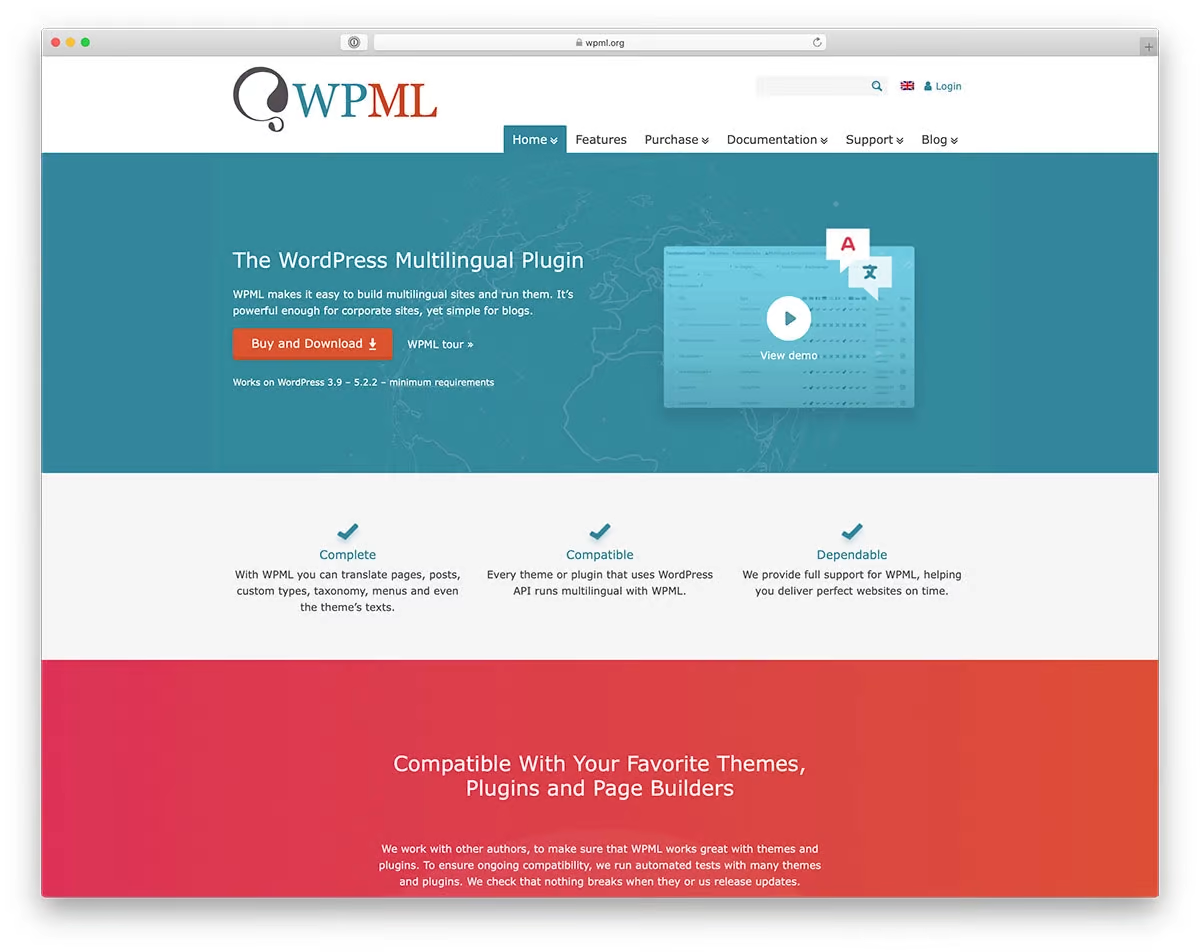
Courtesy: wpml.org
WPML is another popular option among WooCommerce store owners targeting a global market. This plugin eases the translation process by:
-
Strengthening your brand’s SEO performance across multiple languages.
-
Using automatic bulk translation to translate all your store’s written content simultaneously.
-
Providing translations for your URLs
-
Helping you define prices and receive payments in a variety of currencies.
Getting WPML for your online store will cost you $39 for a multilingual blog, $99 for a multilingual CMS, and $199 for a multilingual agency.
Polylang
Courtesy: Polylang.pro
Polylang is a reliable translation plugin trusted by tons of users. One thing that makes Polylang unique is its ability to allow users to add their custom translation, but that’s not all; the plugin also:
-
Translates post types, widgets, taxonomies, customer emails, and RSS feeds.
-
Supports RTL language scripts
-
Automatically downloads language packs.
-
Ensures smooth performance of your websites and doesn’t use additional memory.
-
If you use WPML API, REST API, or ACF Pro, then know that Polylang supports this software and allows you to migrate from WPML to Polylang.
If you’re running a WooCommerce store, then setting up an account with Polylang will set you back €99, €198, €297, and €495 for 1, 3, 5, and 25 sites, respectively.
Although picking the best plugin that offers the services you want at the right price is crucial for your store’s success, ensure you have a great understanding of the language before translating your website. But even if you don’t have a solid grasp of the language, hire an expert to review the translation so you can avoid any inaccurate translations before publishing.





Add New Comment